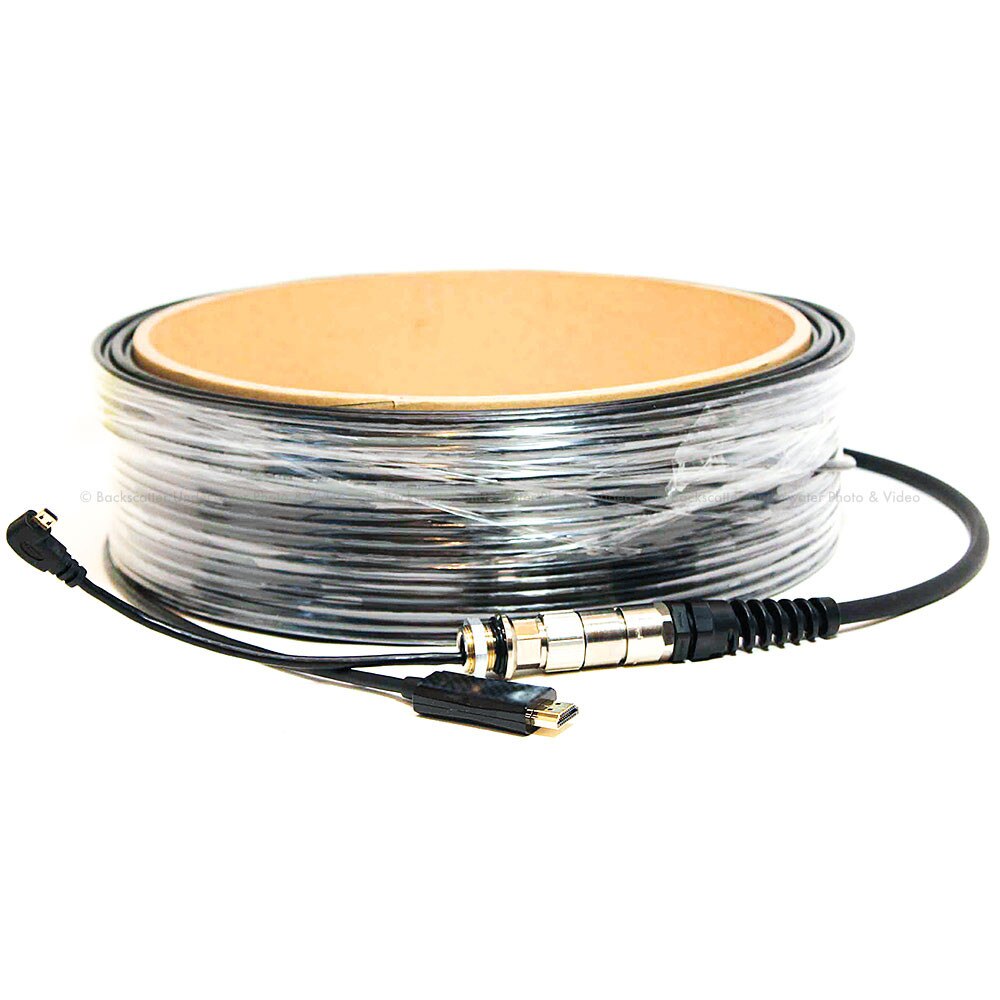
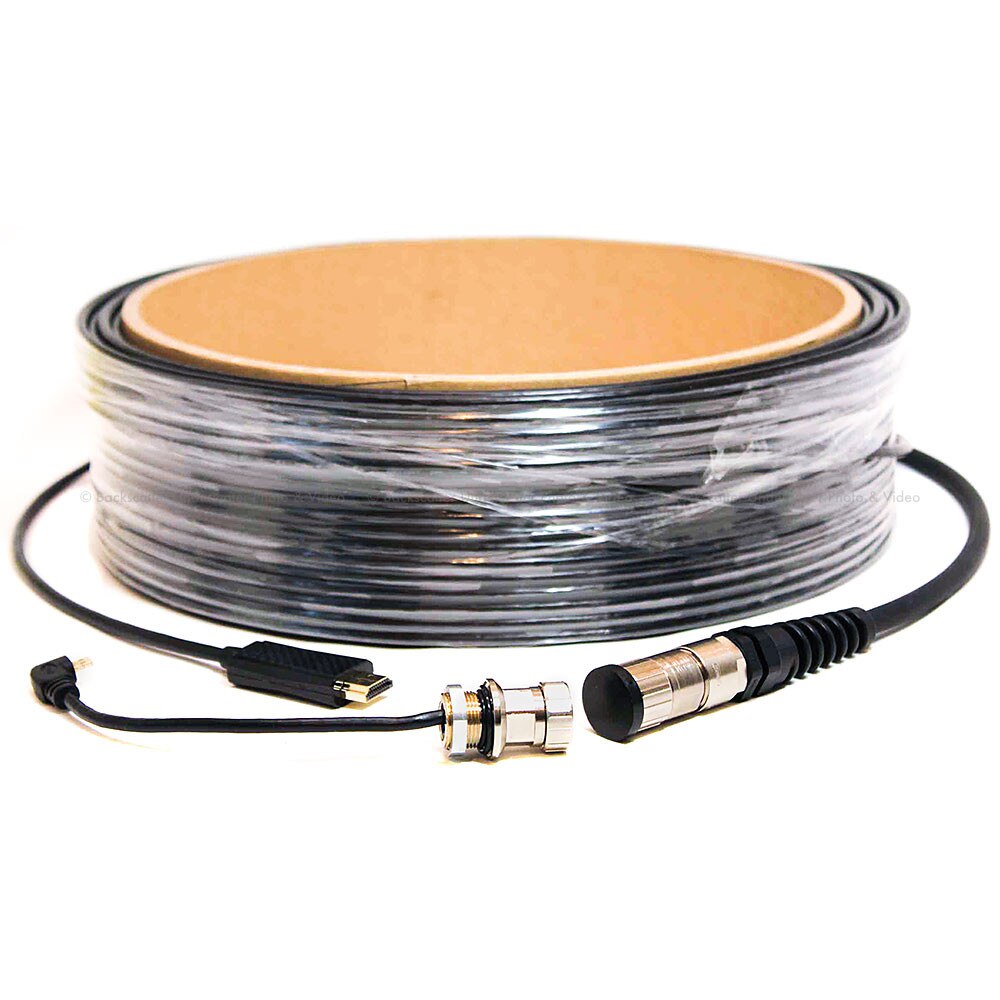
Dive & See Underwater HDMI Fiber Optic cable 1080p60 & 4K Up to 100 meters for Live Video
Depth Rating: 75m, though it measures 60 m in length
Material of cable construction: PVC jacket, OD-5 mm
Material of connector: Nickel plated Marine grade brass
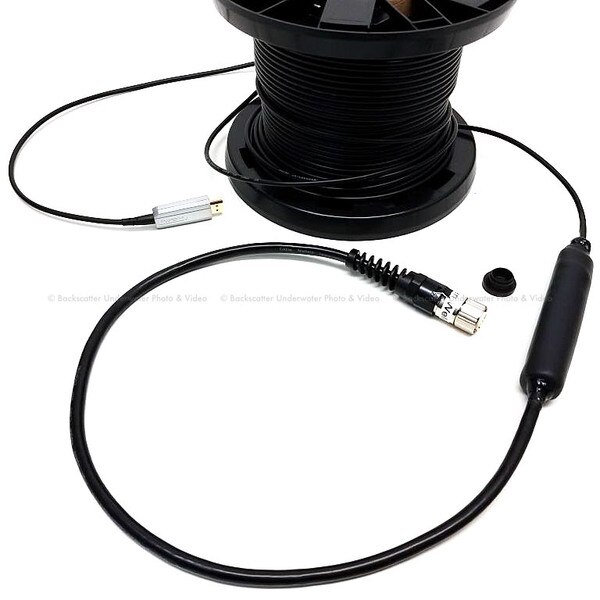
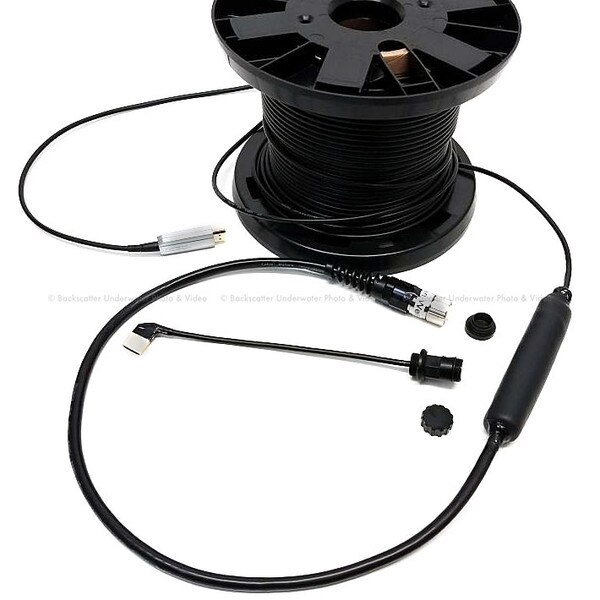
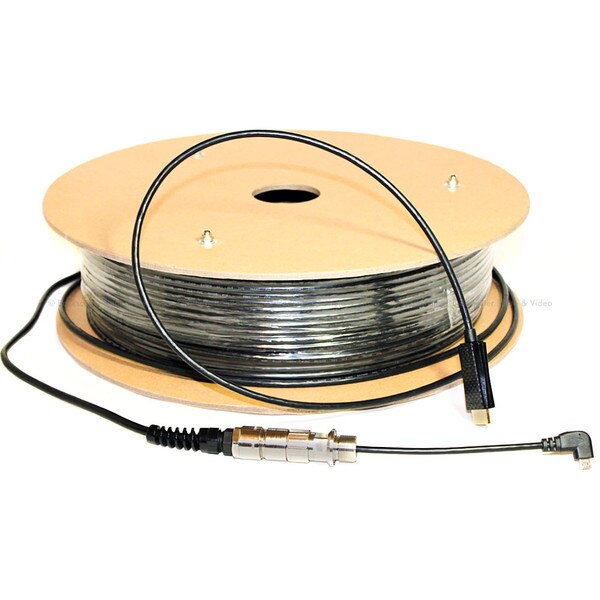
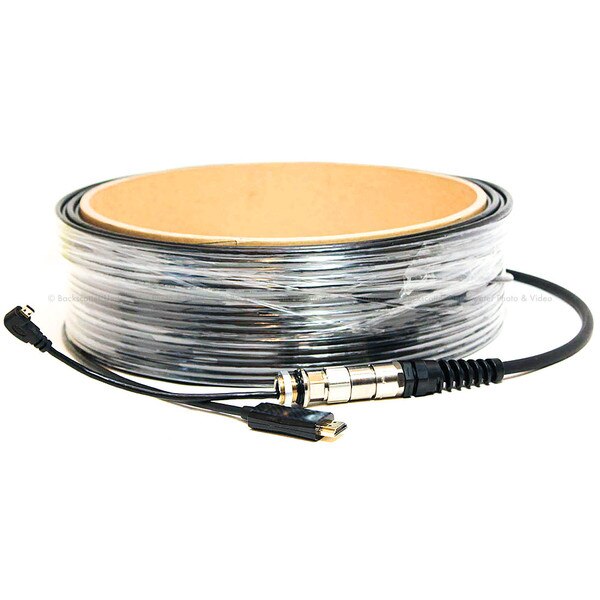
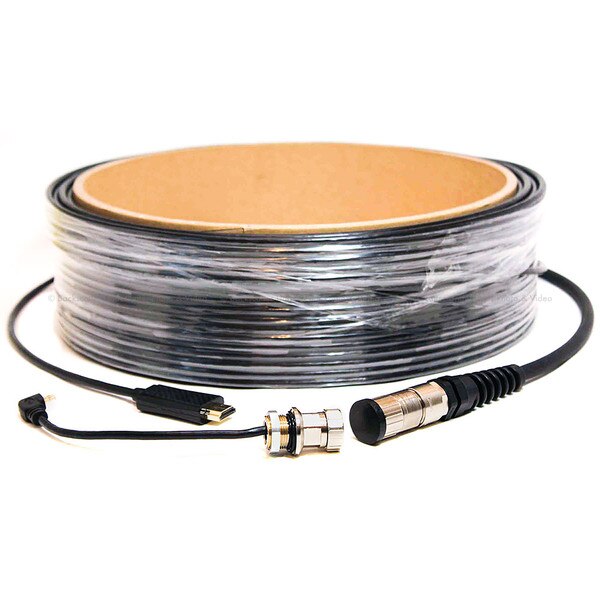
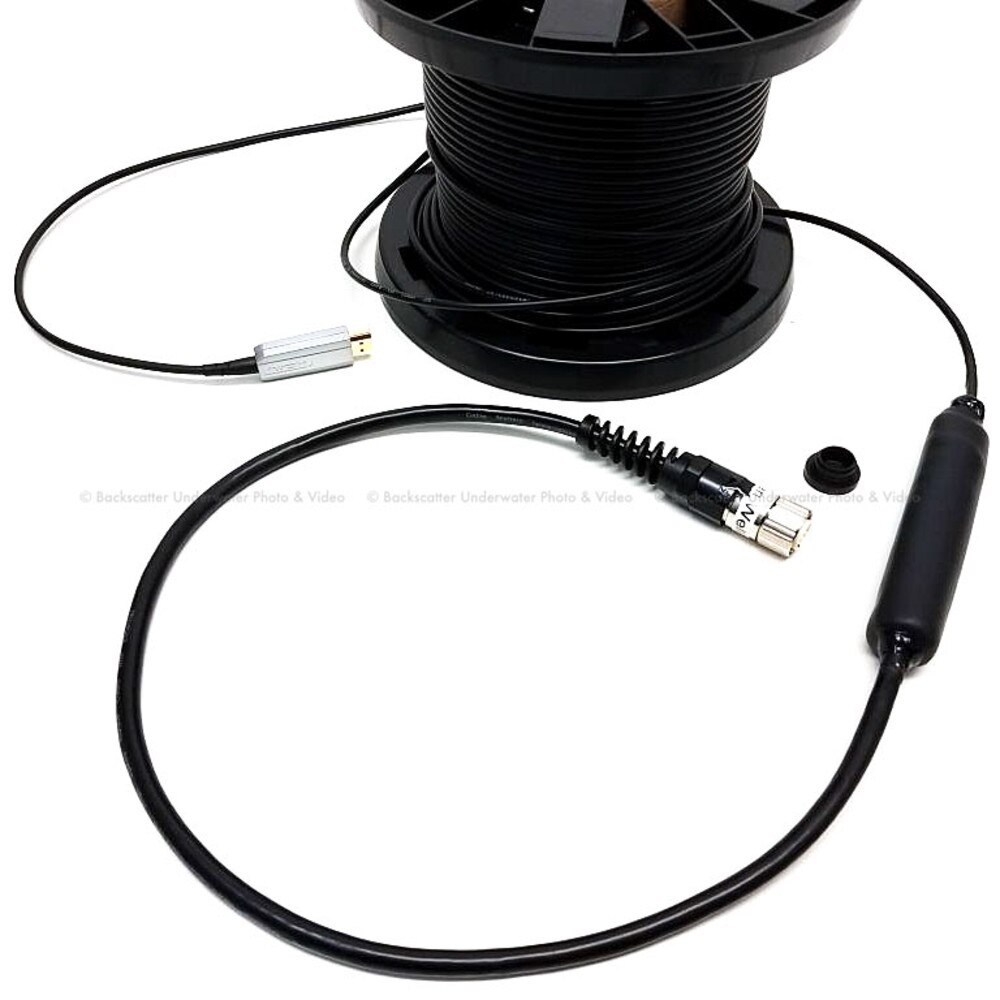
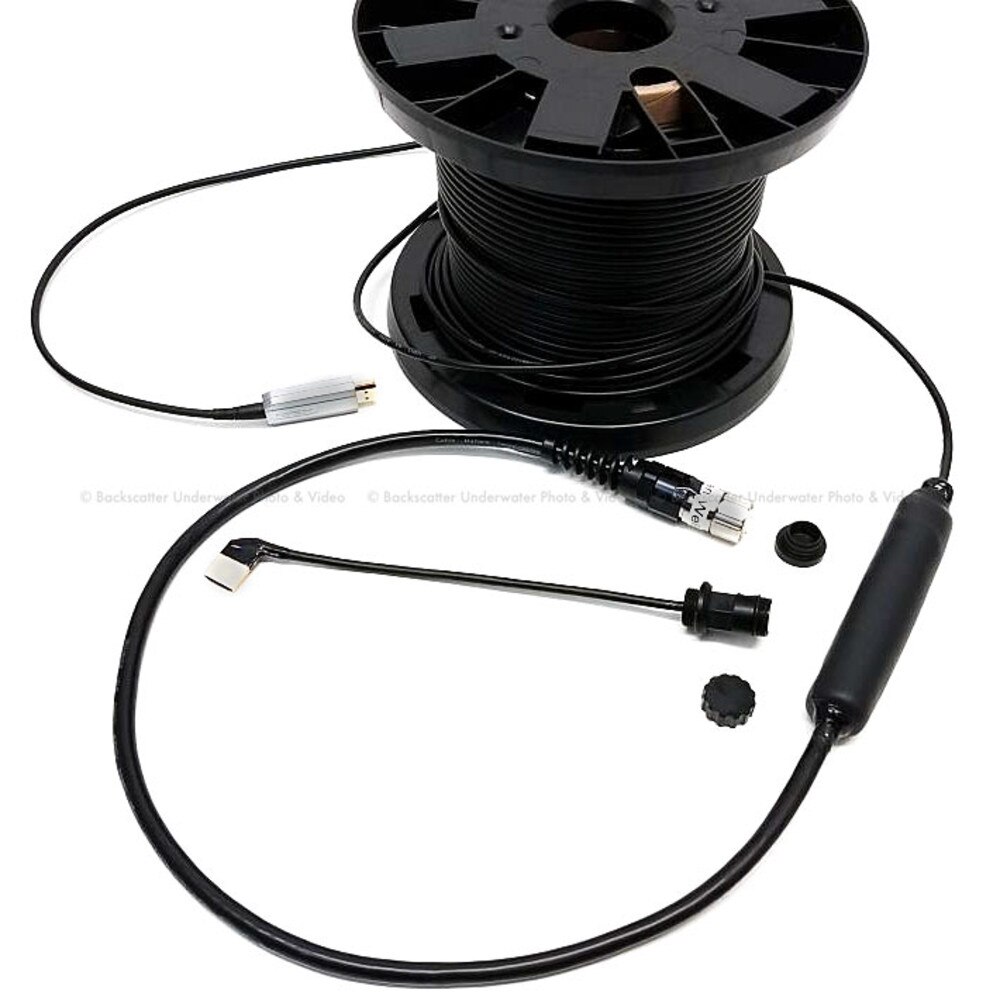
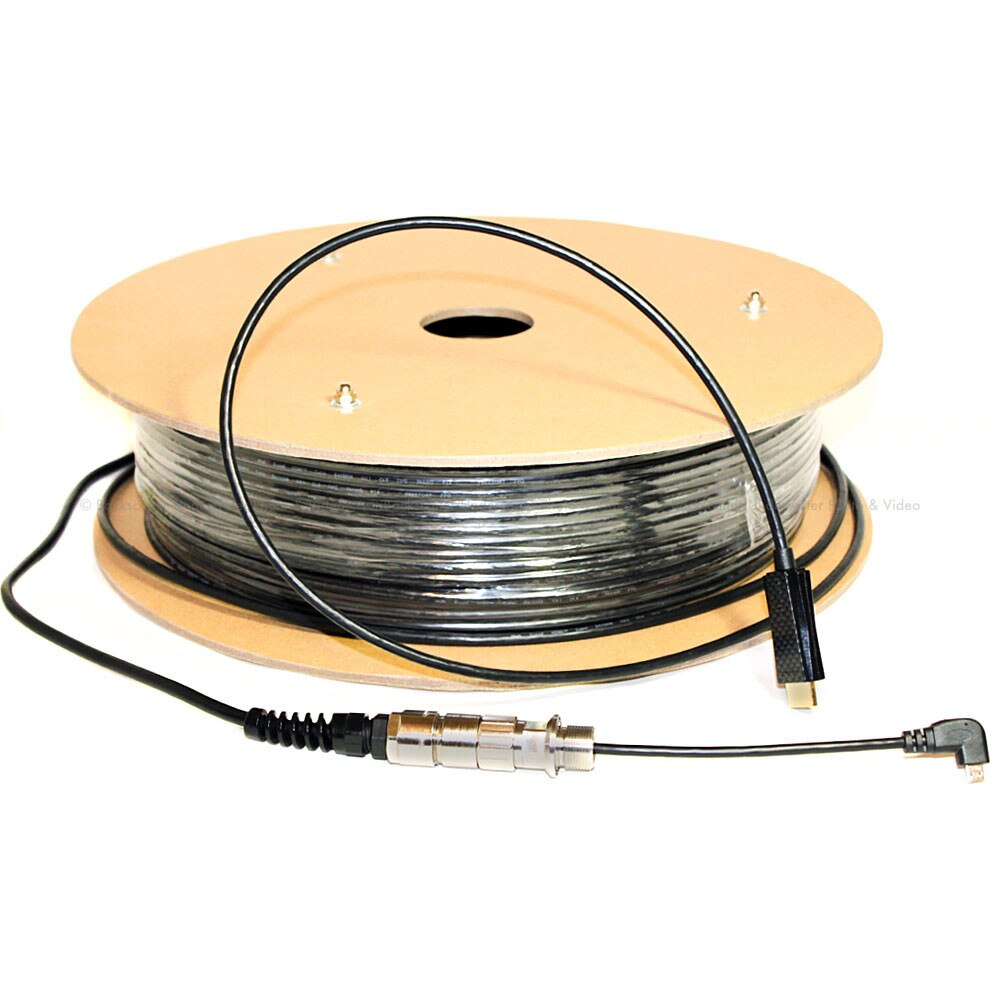
This Fiber optic underwater cable designed to provide reliable, high-speed Data and Video transmissions to distances up to 100 meters from an underwater video source to the surface. The cable fully supports up to 1080p FHD resolution and 3D video. The cable consists of Dive And See HDMI custom waterproof connector from one end, and standard full-size HDMI connector from another side (top side). HDMI connector plugs into the top side of the HDMI device above the water's surface. Fiber Optic cable works with any Dive And See HDMI bulkhead connectors for 1080p60. To support 4K@50/60hz required special bulkhead connector.
Available length of the cable:
45 meters
60 meters
100 meters
Bandwidth: 18.2Gbps
Resolutions: 4K (4096 x2160/ 3840 x 2160)@60hz, 2K@120Hz, 1080p@240Hz
4k format supported: 4K@50/60hz at 4:4:4 and 4:2:0, 8 bit deep color; 4K@50/60hz at 4:2:0, 10 bit; 4K@50/60hz at 4:2:2 and 4:2:0, 12 bit
Using Fiber Optical to replace copper wire as the high-speed signal transmission medium, DNC-1034 can perfectly transmit 1080p60 video over distances up to 175 feet. Compared with any copper wire cables, DNC-1034 is not only longer, softer, but also offers better signal quality without the need for external power. The cable easier to use and is perfectly compatible, with no need for external adapters or converters.
DNC-1034 Fiber optics cable has detachable bulkhead connectors, as standard Dive And See connection systems. This solution will work with existing HDMI bulkhead connectors if you already have installed on your housing. 4K@50/60hz signal required special bulkhead connector.
Attention:
1. Follow normally recommended guidelines for pulling fiber optic cable through the enclosed space. Do not allow the fiber to bend to a 90' angle which will permanently damage the fiber.
2. Only apply pulling tension to the fiber cable jacket, never to the connector.
3. Do not to let the Fiber Optic cable get tied up in a knot
4. Use Messenger wire that runs parallel to overhead cables and acts as the support for the Fiber Optic cable.
5. Do not pull fiber from the HMDI connector. Non-repairable damage may occur.
6. For secure tension connection, use pull rings
Features
Ideal solution when copper HDMI cable can not transfer 4K@60 Hz for long distance